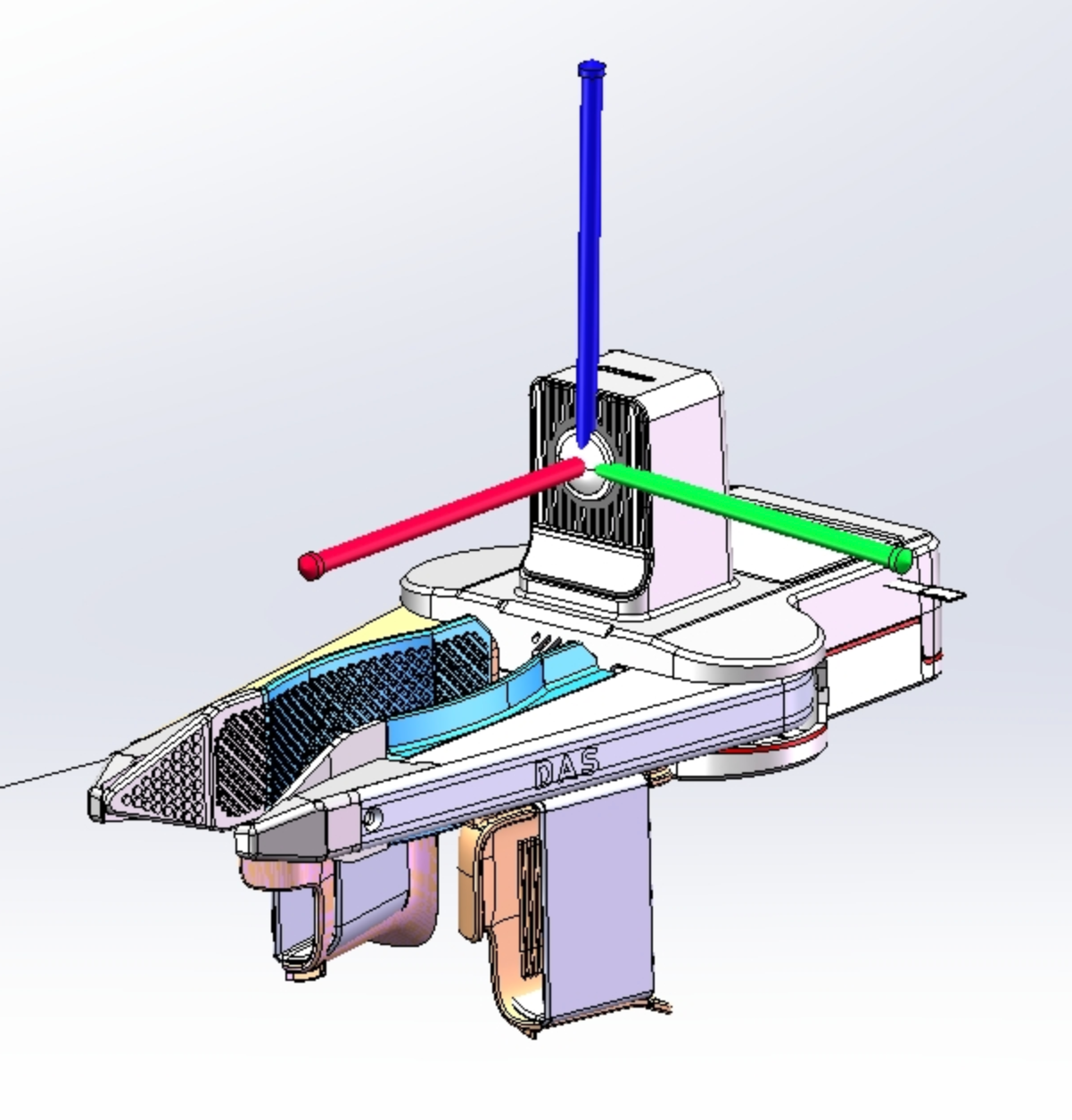
DAS Ego-Finger Data Introduction
简体中文 | English
This document introduces common topics, device IDs, coordinate frames, and data parsing entry points in DAS Ego + dual Finger merged data packages.
Data Parsing Tools
- Data parsing SDK: das-datakit
- Sample data:
- Source filename:
DAS-EGO-rk3588-1307e1dc38ec99a0-edge_events-DAS-Ego_20260405173815_center_leader_f3d0899d_ec99a0_process_merge_vio_first_third_infer_result.mcap - Download sample source file
- Source filename:
Topic Naming
The current data uses robot0, robot1, and robot2 to distinguish devices. This naming may be optimized in future versions.
| ID | Device |
|---|---|
robot0 | DAS Ego |
robot1 | Left DAS Finger |
robot2 | Right DAS Finger |
DAS Ego Topic
| Topic | Schema | Frequency | Description |
|---|---|---|---|
| /robot0/sensor/camera0/compressed /robot0/sensor/camera1/compressed /robot0/sensor/camera2/compressed /robot0/sensor/camera3/compressed /robot0/sensor/camera4/compressed /robot0/sensor/camera5/compressed | CompressedImage | 30HZ | Six DAS-Ego RGB camera video streams, ordered from left to right |
| /robot0/sensor/camera0/camera_info /robot0/sensor/camera1/camera_info /robot0/sensor/camera2/camera_info /robot0/sensor/camera3/camera_info /robot0/sensor/camera4/camera_info /robot0/sensor/camera5/camera_info | CameraCalibration | Single frame | Intrinsic and extrinsic parameters for the six DAS-Ego RGB cameras, ordered from left to right |
| /robot0/sensor/camera2/camera_info_resize /robot0/sensor/camera3/camera_info_resize | CameraCalibration | Single frame | Low-resolution intrinsic and extrinsic parameters for the two middle DAS-Ego cameras |
| /robot0/sensor/imu | IMUMeasurement | 200HZ | DAS-Ego IMU information |
| /robot0/vio/eef_pose | PoseInFrame | 30hz | DAS-Ego 6D pose in the Ego world coordinate frame Coordinate frame introduction: https://docs.genrobot.ai/products/das-ego#sec3 |
| /robot0/vio/relative_eef_pose | PoseInFrame | 30hz | DAS-Ego 6D pose. The DAS-Ego pose at time 0 is used as the world-frame origin, and subsequent poses record changes relative to time 0 |
| /robot0/sensor/audio | AudioData | 30HZ | Audio data |
| /robot0/system/info | SystemInfo | 1HZ | System information |
DAS Finger Topic
| Topic | Schema | Frequency | Description |
|---|---|---|---|
| /robot1/sensor/camera0/compressed | CompressedImage | 30HZ | Camera image from the left DAS-Finger device |
| /robot2/sensor/camera0/compressed | CompressedImage | 30HZ | Camera image from the right DAS-Finger device |
| /robot1/sensor/camera0/camera_info | CameraCalibration | Single frame | Left DAS-Finger device calibration |
| /robot2/sensor/camera0/camera_info | CameraCalibration | Single frame | Right DAS-Finger device calibration |
| /robot1/sensor/imu | IMUMeasurement | 200HZ | IMU data from the left DAS-Finger device |
| /robot2/sensor/imu | IMUMeasurement | 200HZ | IMU data from the right DAS-Finger device |
| /robot1/sensor/magnetic_encoder | MagneticEncoderMeasurement | 50HZ | Left DAS-Finger gripper distance data (m) |
| /robot2/sensor/magnetic_encoder | MagneticEncoderMeasurement | 50HZ | Right DAS-Finger gripper distance data (m) |
| /robot1/vio/eef_pose | PoseInFrame | 30HZ | Left DAS-Finger device 6D pose Shares the world coordinate frame with Ego: https://docs.genrobot.ai/products/das-ego#sec3 Local coordinate frame: origin at the Finger camera center, X forward, Y left, Z up |
| /robot1/vio/relative_eef_pose | PoseInFrame | 30HZ | Left DAS-Finger device 6D pose The left DAS-Finger pose at time 0 is used as the world-frame origin, and subsequent poses record the trajectory relative to time 0 |
| /robot2/vio/eef_pose | PoseInFrame | 30HZ | Right DAS-Finger device 6D pose Shares the world coordinate frame with Ego |
| /robot2/vio/relative_eef_pose | PoseInFrame | 30HZ | Right DAS-Finger device 6D pose The right DAS-Finger pose at time 0 is used as the world-frame origin, and subsequent poses record the trajectory relative to time 0 |
| /robot0/time_range_validity | TimeRangeValidity | 1HZ | Marks valid and invalid time ranges, such as meaningless video segments or the final segment after pressing the EGO button |
| /robot0/frame_validity | FrameValidity | 30Hz | Marks frame-level validity by combining results from multiple checker items to determine whether each frame is valid or invalid |
Coordinate Frames
URDF
- DAS Ego URDF: refer to the DAS Ego URDF document.
- DAS Finger URDF: refer to the DAS Finger URDF document.
World Coordinate Frame
The poses of Ego and the two Finger devices are represented in the world coordinate frame constructed from the Ego pose at the initial capture timestamp.
For details, see DAS Ego Manual - World Coordinate Frame.
Ego Local Coordinate Frame
For the DAS Ego local coordinate frame definition, see DAS Ego Manual - Local Coordinate Frame.

Finger Local Coordinate Frame
The Finger local coordinate frame origin is at the camera optical center. It is a right-handed frame with X forward, Y left, and Z up, consistent with the base_link position in the URDF.
For details, see DAS Finger Manual - Local Coordinate Frame.